Let’s face it: starting a new site layout is a bit of pain.
You stare at a blank canvas, click around aimlessly, then settle for that same old hero + 3 cards pattern just to “get something going.”
You zoom in, zoom out, sip coffee, and briefly consider switching careers to pottery.
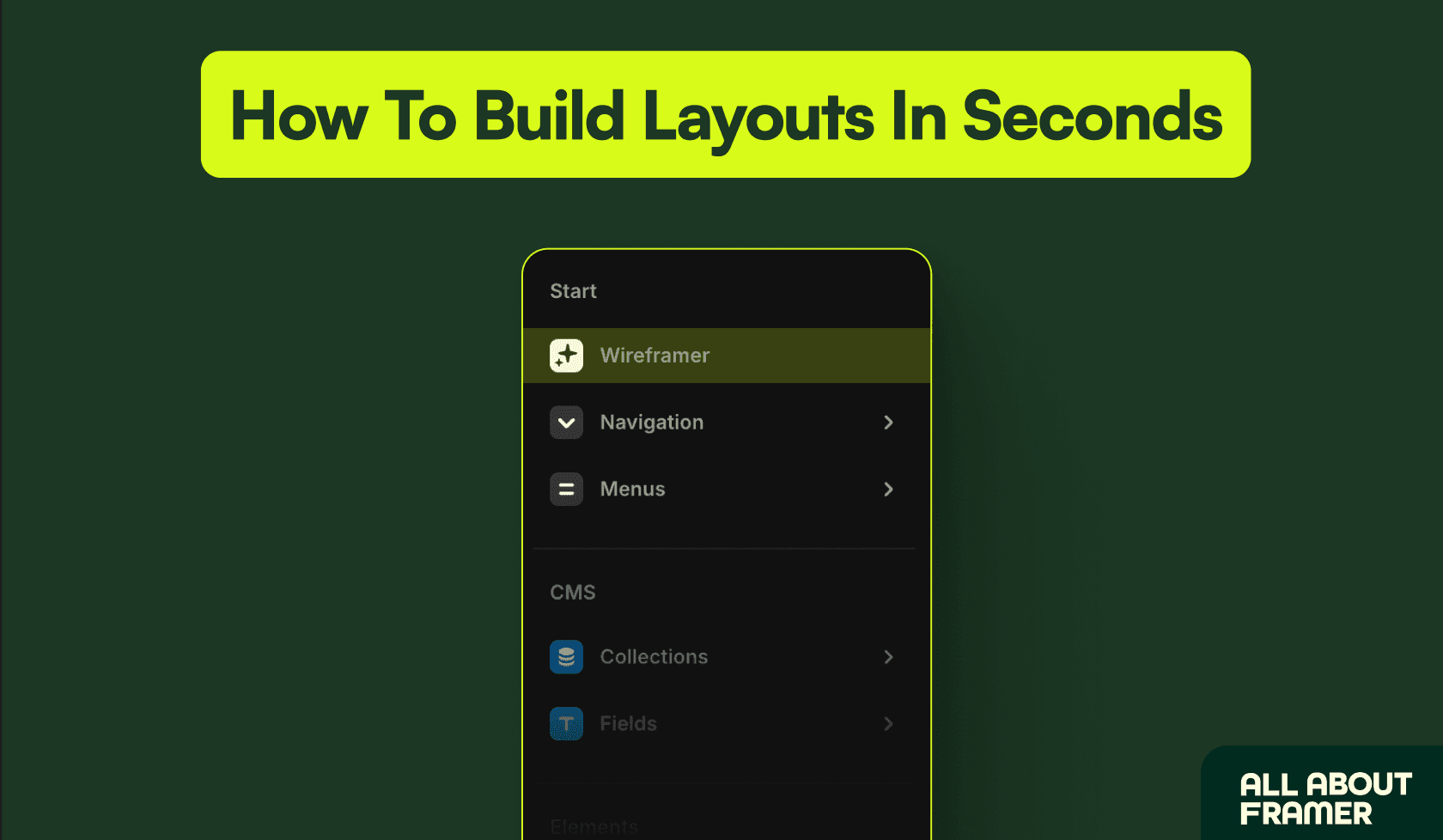
Framer just fixed that — meet Wireframer.
This new tool helps you skip the blank canvas blues and jump straight to a clean, responsive layout that actually makes sense.

Before that, here's a word from our sponsor:
🚨 Why pay $79–$129 for just one template…when you can get 30+ templates for less? Most “premium” templates lock you into one layout, one style, and zero flexibility. With Pentaclay, you get an ever-growing library that gives you freedom to build websites your way—without extra cost. ✨ What’s inside Pentaclay: • 30+ Framer & Figma templates • 5–7 new templates added every month • Unlimited commercial licenses • Lifetime access available • Priority support
What Is Wireframer in Framer?
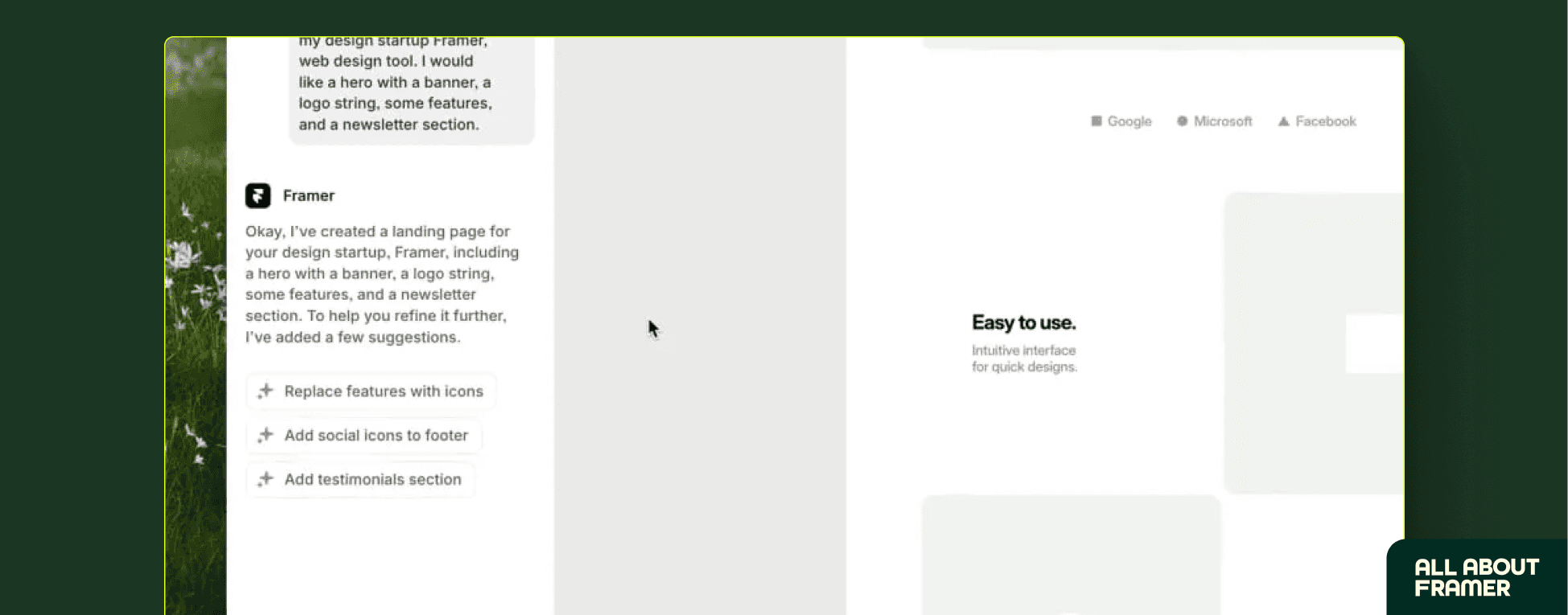
Wireframer is Framer’s new layout generator.
It drops a smart, editable wireframe directly into your canvas — minimal, responsive, and ready to customize.
You pick a layout type (Landing Page, About, Blog), and Framer does the heavy lifting.
No plugins, no dragging 17 components around. Just structure, done.
The layouts Wireframer creates use stacks. Once you understand how stacks function, you can customize these layouts perfectly.
Why is a Wireframer a Game-Changer in Framer?
No more blank canvas stress. Wireframer is your “get out of analysis paralysis” card.
Fast prototyping. Client needs a mockup in 15 minutes? Done. You can go from idea to clickable page in one coffee break.
Minimal by design.No bloat. Just usable layouts you can actually build on.
Fully responsive. Mobile breakpoints? Consider them done.
Who is Wireframer in Framer for?
Designers who hate starting from scratch
Freelancers with tight deadlines
Founders prototyping MVPs yesterday
You (if layout work makes you cry a little)

How to Use Framer's Wireframer in 30 Seconds
Open the Framer editor and click Insert
Select Wireframer
Pick a layout (Landing Page, Blog, etc.)
Framer generates the structure — no code needed
Edit, brand, and publish
Final Thoughts
Wireframer isn’t just a layout tool — it’s a momentum booster.
It gets you over the hardest part (starting) and straight into building something real.
With time, this feature will only get smarter. Expect more layout types, smarter AI suggestions, and even deeper design automation.
The possibilities? Pretty much endless. So go ahead — give it a spin.
Impress your clients. Confuse your competitors. And most importantly, stop crying in front of empty canvases.